
SideRetro — game emulator
Your favorite games, on the tiles you use.
What it’s for
The SP-01 has a screen that asks for games, and five small physical keyboards that each ask to be a controller. SideRetro joins those two facts without pretending they are the same thing.
SideRetro is designed first for the Mini Controller Keypad: its D-pad and labelled face buttons make it the clearest, most direct way to play. Compact QWERTY, T9, Sundial and Classic Keypad remain playable with no tile profile to set up first; their controller maps are adaptations of the keys they have.
The game remains the important part of the screen. In Lit mode, SideRetro samples its colours and carries their brightest tone through the frame, mark and controller legend: it makes the rest of the screen glow like an old CRT.
What it does
- Runs your own Game Boy, Game Boy Color, Game Boy Advance, NES and Mega Drive ROMs, including a single ROM inside a ZIP file.
- Uses the Keytile already fitted to the phone. Press any key once and it recognises the tile, then shows the controller map in the corner of the game. The Mini Controller is the intended fit; the other tiles remain playable through adapted maps.
- Keeps the game large. The Mini Controller and Sundial sit beside it; on the denser T9 and Compact QWERTY tiles, the game moves upward while the mark and legend use the lower corners.
- Saves your place automatically and resumes the game when you return.
- Offers CRT and Off display modes. CRT is the default, with a light scanline treatment that keeps pixel art crisp.
- Keeps the library private to the phone. There is no account, catalogue or game download service.
Screenshots
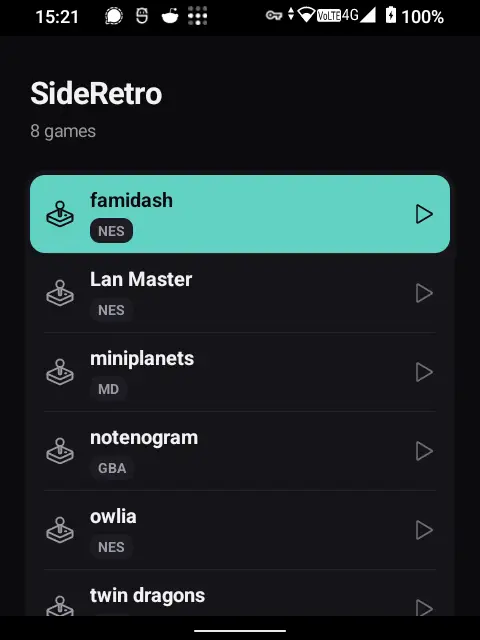
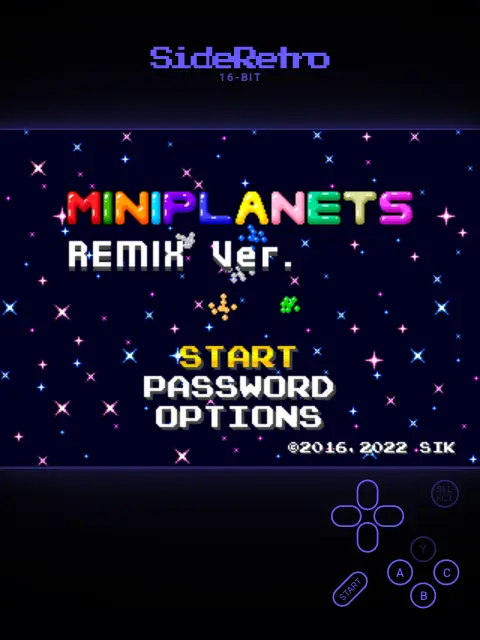
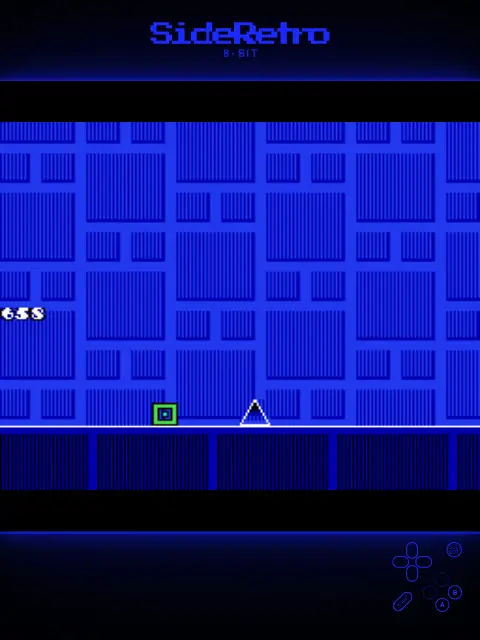
Your games and privacy
- SideRetro does not ship with games. It runs ROMs you provide, including homebrew and games you are entitled to use.
- Games arrive through Android’s file picker or by opening a file with SideRetro. The app does not request storage permission and never scans your phone.
- Your library, save states and settings stay on the phone. SideRetro has no account and makes no network connection.
Honestly
The Mini Controller Keypad is the best fit. It is the tile SideRetro is designed around: its D-pad and labelled face buttons make the legend a direct controller map. Compact QWERTY, T9, Classic Keypad and Sundial remain playable, but their maps are denser adaptations of their own keys.
The Classic Keypad and T9 use many of the same Android keycodes, so SideRetro cannot always tell them apart. Both work, but the Classic Keypad currently shows the T9 controller legend rather than its extra D-pad, Enter and Delete controls.
SideRetro is designed around these five systems and this one screen. It is not trying to be an all-purpose Android emulation front end.
Install SideRetro
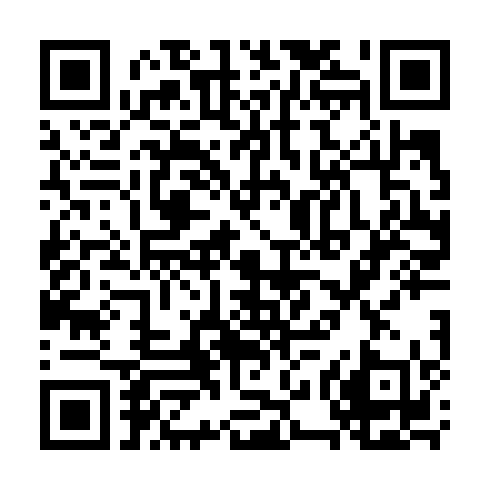
The SideSuite app pack. Scan this in your phone’s Library app and all the SideSuite apps appear in your library. You choose which ones to install, and updates then arrive on their own without you tapping through anything.
Just SideRetro, on its own
If you only want this one, download the signed APK from its releases and open it on the phone. You will not get update notifications this way; Obtainium is the middle option if you want those without the pack.